
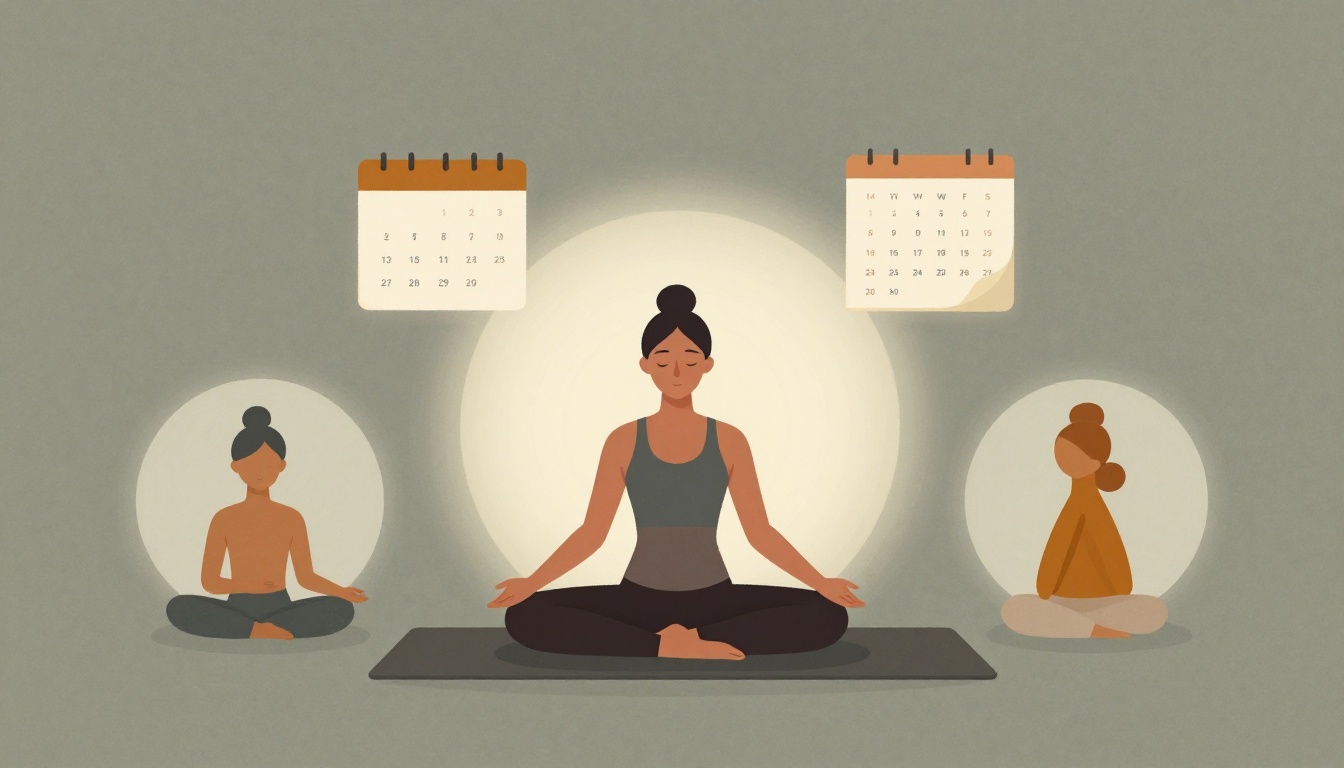
According to content planning guidance for movement studios, how many posts per week is generally enough to stay visible and relevant?
Select one answer.
Why you keep running out of things to post
If you teach five classes a week, you already know the pattern: you finish teaching, drive home, and then remember you have nothing scheduled to post. So you either skip it or throw up a photo with a rushed caption. Neither builds your classes.
The problem isn't creativity. It's that you're deciding what to post at the exact moment you need to post it. A content calendar moves that decision to one 30-minute block, so the rest of your week is just execution.
You don't need to post daily to stay visible. For most teachers, two to three posts a week is enough to stay relevant and credible, as long as the content is consistent and reflects your expertise and personality (Pilates Education Institute).
Step 1: Pick four content pillars (5 minutes)
Content pillars are three to five core themes that represent your brand and give your content a clear direction (Mia Ferreira). Pick four. A workable set for a yoga teacher:
- Education — alignment tips, pose breakdowns, breathwork, common mistakes.
- Community and connection — behind-the-scenes, your own practice, student milestones.
- Mindfulness and values — philosophy, quotes, what your teaching stands for.
- Classes and offerings — schedule updates, workshops, retreats, booking links.
Write them down. These four pillars are the only buckets you'll pull from, which kills the blank-page problem permanently.
Step 2: Map the month's fixed dates (5 minutes)
Before you invent anything, mark what's already happening. Open your calendar and note:
- Class schedule changes, holidays, and studio closures.
- Workshops, series starts, and retreat deadlines.
- Wellbeing awareness days you actually care about — planning around relevant dates in advance is a standard part of building a content calendar (Worcester State University).
These dates become your anchors. Everything else fills the gaps around them.
Step 3: Fill a four-week grid (10 minutes)
Draw four rows (weeks) and three columns (posting days). If you post three times a week, that's 12 slots. Rotate your pillars so no theme repeats twice in a row:
| Week | Post 1 | Post 2 | Post 3 |
|---|---|---|---|
| 1 | Education | Classes | Mindfulness |
| 2 | Community | Education | Classes |
| 3 | Mindfulness | Community | Education |
| 4 | Classes | Mindfulness | Community |
Now write a one-line topic in each cell — not a full caption. "Three cues for tight hamstrings" is enough. You're building a skeleton, not a finished product.
Step 4: Batch the assets (8 minutes)
This is the step most teachers skip, and it's the one that saves the most time. Batching — creating several posts in one sitting rather than one at a time — is the core efficiency move in content planning (Pilates Education Institute).
- Film two or three short videos back-to-back after a class, while you're already warm and in teaching mode.
- Pull photos from your camera roll into a single folder for the month.
- Write captions in one pass, then schedule them.
Short-form video is the format with the strongest organic reach for teachers right now, so give it at least one slot per week (beYogi).
Step 5: Protect the system (2 minutes)
A calendar only works if it survives a busy week. Two rules:
- Keep one buffer post ready. When a week collapses, you publish the buffer instead of nothing.
- Review monthly, not daily. Spend 15 minutes at the end of each month checking what got engagement and what didn't, then adjust next month's grid.
Consistency beats frequency. A steady two-to-three posts a week outperforms sporadic bursts every time (YogaRenew).
Quick checklist
- Four content pillars written down
- Month's fixed dates marked
- 12 slots filled with one-line topics
- Videos and photos batched in one session
- Captions written and scheduled
- One buffer post in reserve
- 15-minute monthly review booked
Where your calendar sends people
A content calendar drives attention somewhere. If that somewhere is a website you haven't updated since training, the traffic leaks. Make sure your class schedule, booking link, and current offerings are accurate before you start posting — otherwise you're sending students to a dead end.
How the Featured Expert Can Help
Kavi builds done-for-you websites for yoga teachers, wellness coaches, and retreat leaders. Design, hosting, updates, and support are handled for a flat monthly fee of $39, with no upfront cost and a site ready in about two weeks. If you'd rather spend your 30 minutes teaching than maintaining a website, you can see how it works at kavimade.com.
Quiz: How many posts per week does the research suggest is enough for most studios to stay visible?
- A) Two to three
- B) Seven
- C) Ten